 Taklifxona
Your invitation ready in minutes
An invitation with music and motion — the celebration begins the moment a guest opens the link.
Launch offer99 00014 900 UZS
- Free to create
- No password needed
- Link open for 1 year
- Pay with Click

Templates
Each in its own style




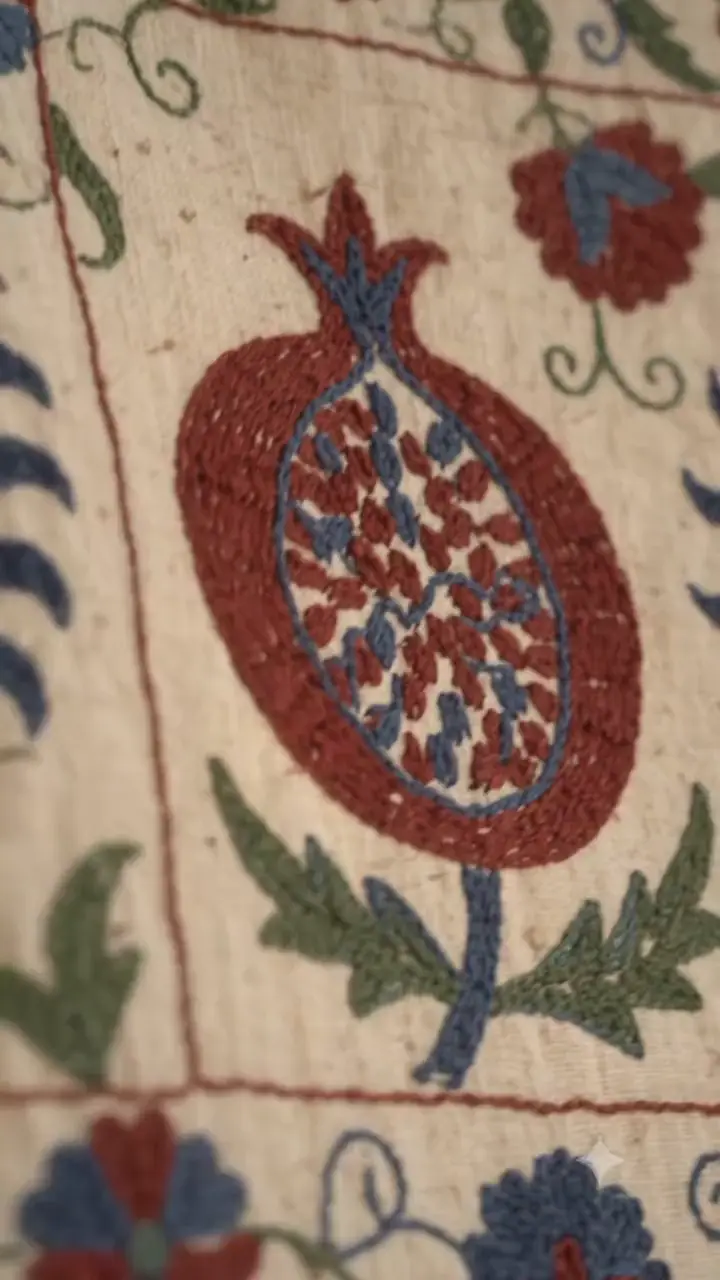
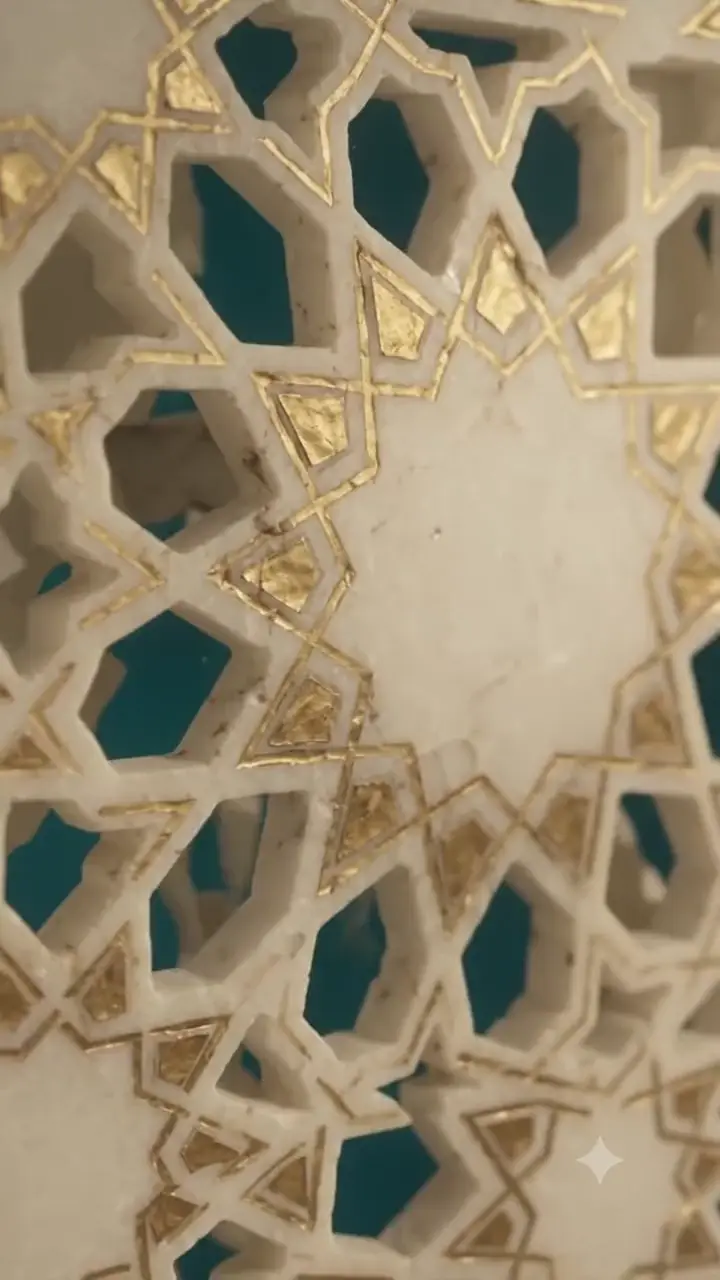
How it works
Ready in three steps
No designer, no software — five minutes on your phone.
Choose a template
Every template is finished down to its animation and ornament — there is nothing to break.
Fill in the details
Names, date, the venue’s address. What you type saves itself and shows alongside at once.
Share the link
Once payment is confirmed, your personal link opens. Send it straight to Telegram.
Inside the invitation
What your guests see
What a paper invitation cannot do — all in one link.
Guest replies
Guests say on the invitation itself whether they’re coming. The list is in your account.
Countdown
The invitation counts down the days to the celebration on its own.
Photo album
Up to four photos, set in the invitation’s own design.
Schedule
You write the day hour by hour — guests know in advance what happens when.
Parents
A wedding invitation names the hosts from the groom’s and the bride’s side separately.
Add to calendar
Guests add the date to their phone’s calendar in one tap.
Occasions
For which occasion
- The template you chose, fully animated
- Unlimited editing
- A personal link for one year
- Up to four photos
- Countdown and schedule
- Guest replies and wishes
Questions
Frequently asked
How much does an invitation cost?
Launch offer: any template is 14 900 UZS right now (normally 99 000 to 149 000 UZS, depending on the template). Paid once per invitation, when you publish — no monthly fee.
How do I pay?
In one tap in the Click app, or by card transfer. Once payment is confirmed, the link opens straight away.
How long does the link stay open?
For one year after payment. When that ends, the link moves to the archive.
Can I change the details later?
Yes. Names, date, address — everything can be edited at any time; the link stays the same and guests always see the latest version.
How do I know who’s coming?
Switch on “Guest replies” in the editor: guests use the form on the invitation to say whether they’re coming, how many, and to leave a wish. Replies show in your account with the totals, and if you signed in with Telegram, you get a message about each new one.
Do guests need to install an app?
No. The link opens in the browser — straight from Telegram.
Which occasions is it for?
Wedding, sunnat celebration, beshik celebration and jubilee. Each template shows in the catalog which occasions it supports.
Start your first invitation now
Choose a template, type in the names and see the result at once. You pay only when you publish the link.
Create for freeCreate for free — pay only when you publish.